Company Branding in Fluency
Last updated: April 19, 2026
If you prefer, you can watch the video walkthrough instead. If not, follow along below.
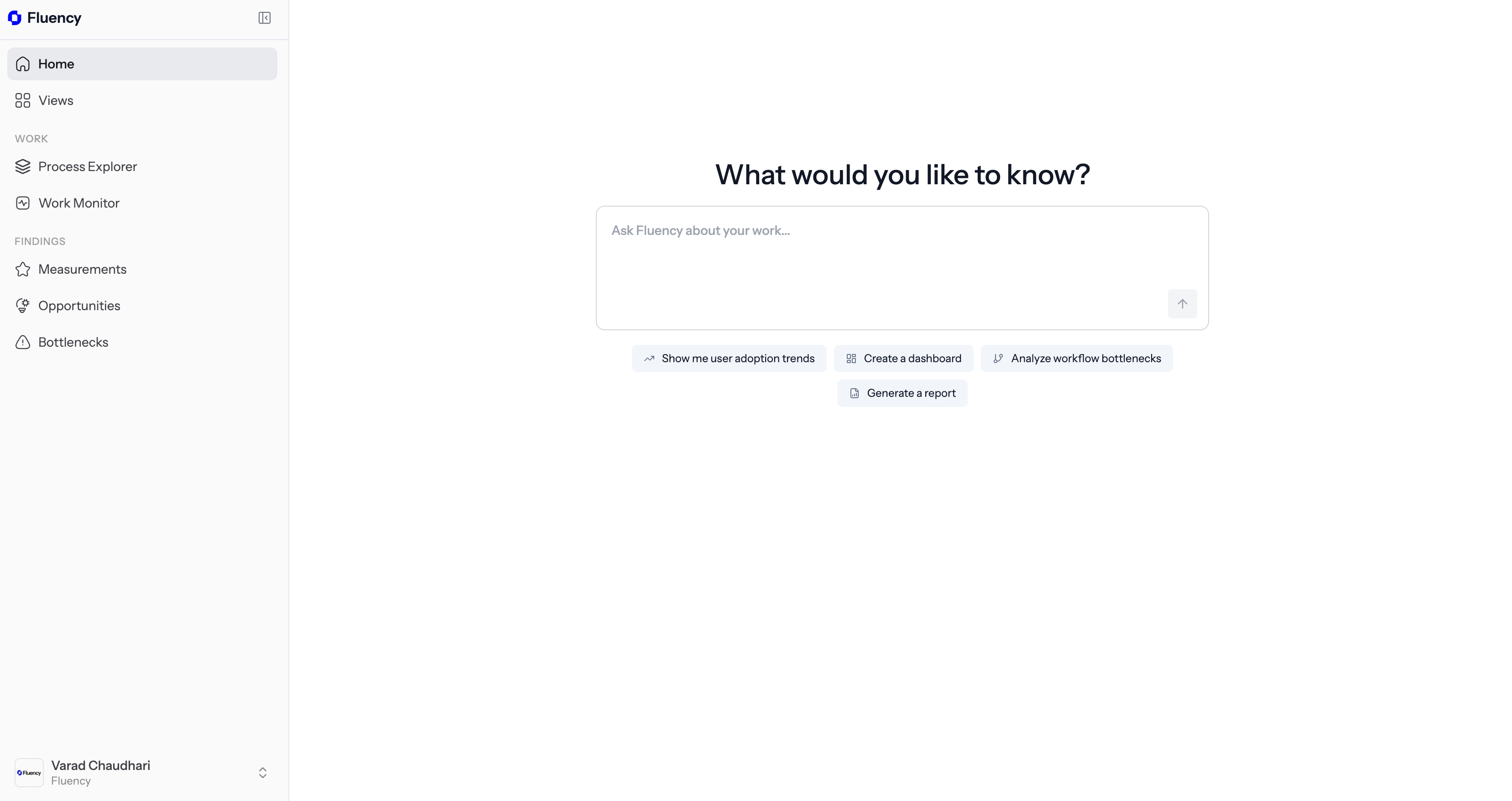
1. Open the Fluency Portal on the Web
Navigate to dashboard.usefluency.com to launch the Fluency portal to get started.
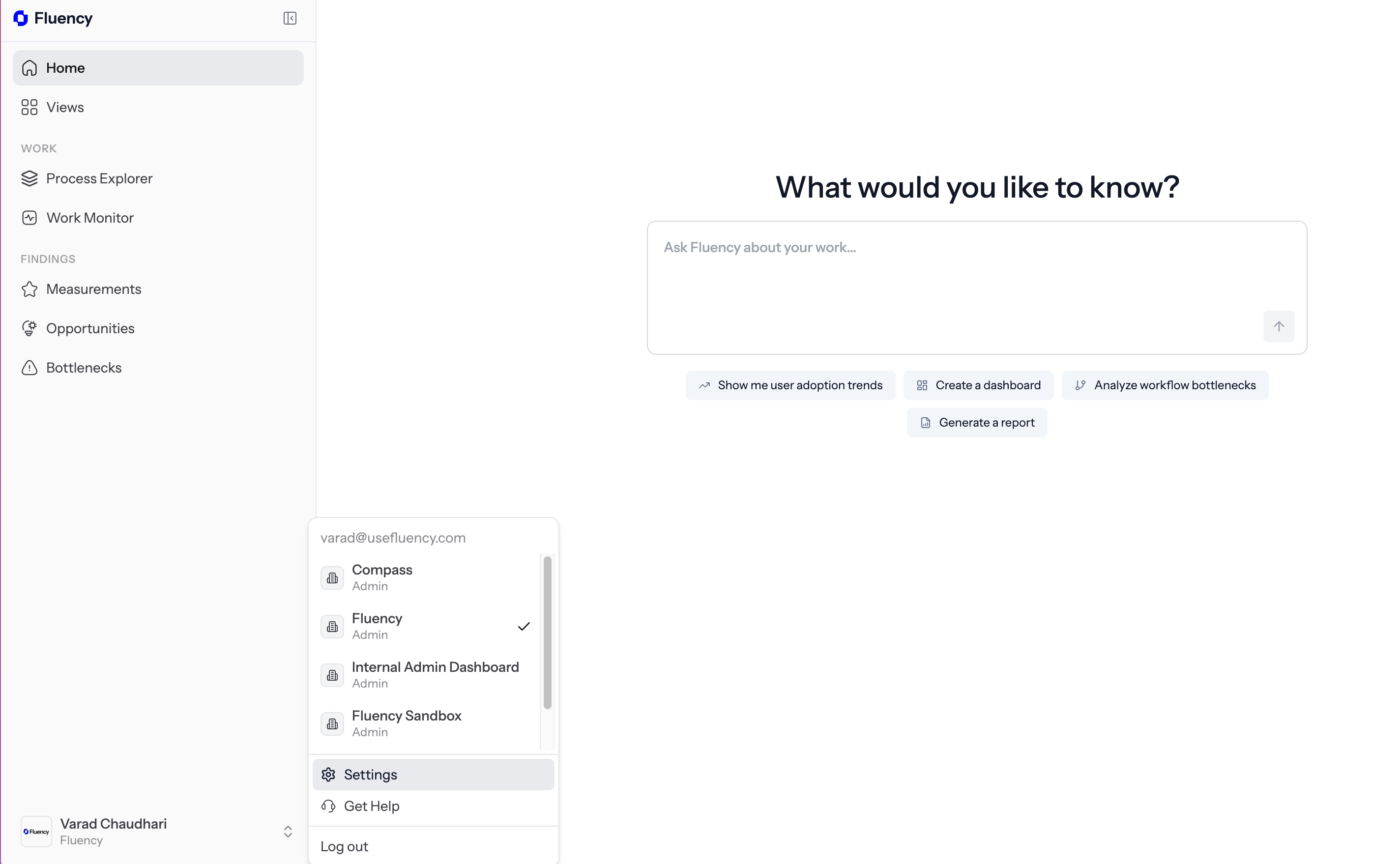
2. Navigate to Settings
Click on the bottom left sidebar to open options and then click on Settings.
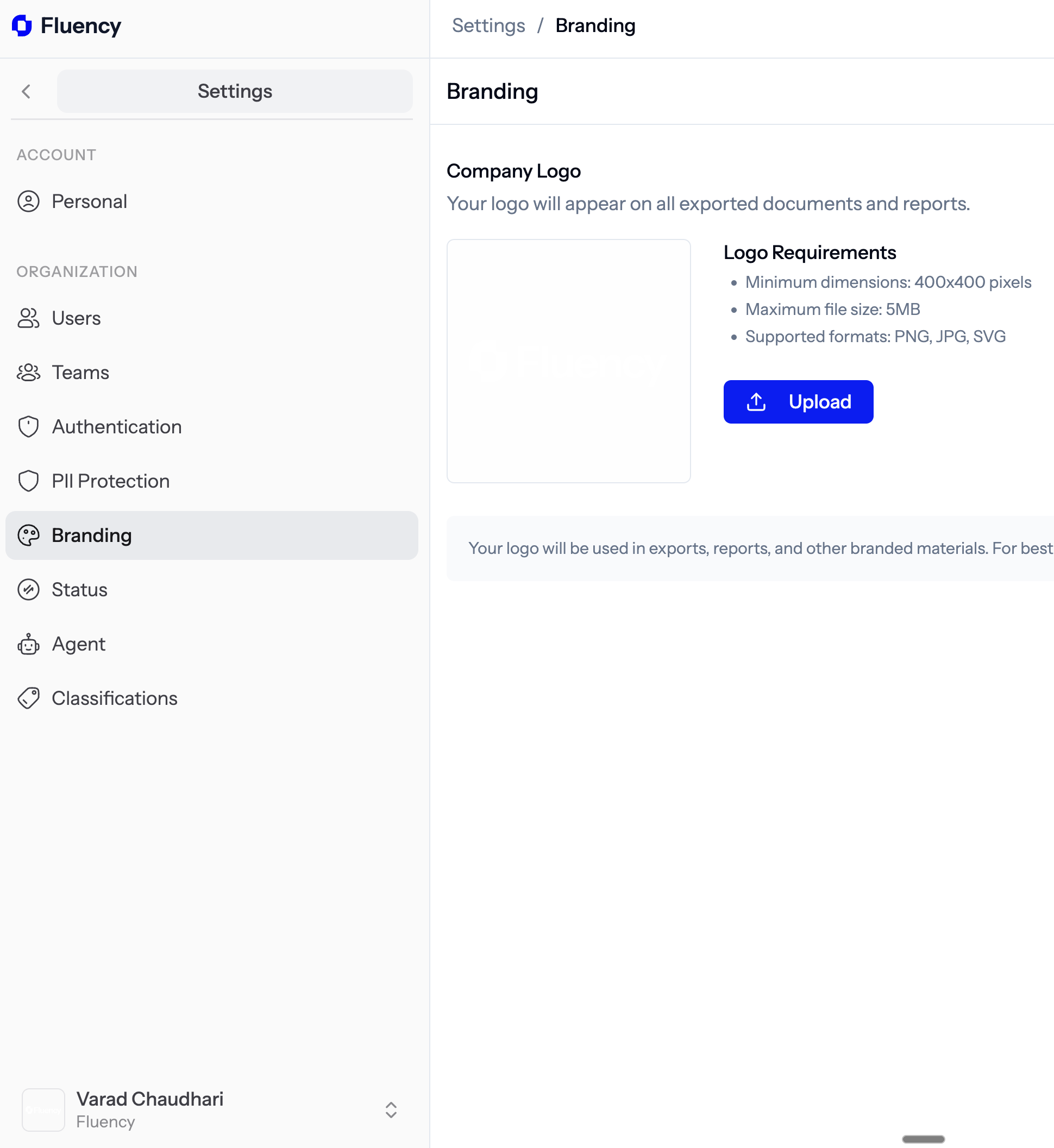
3. Navigate to the Branding Option
Click on Branding on the sidebar underneath the organization umbrella category.
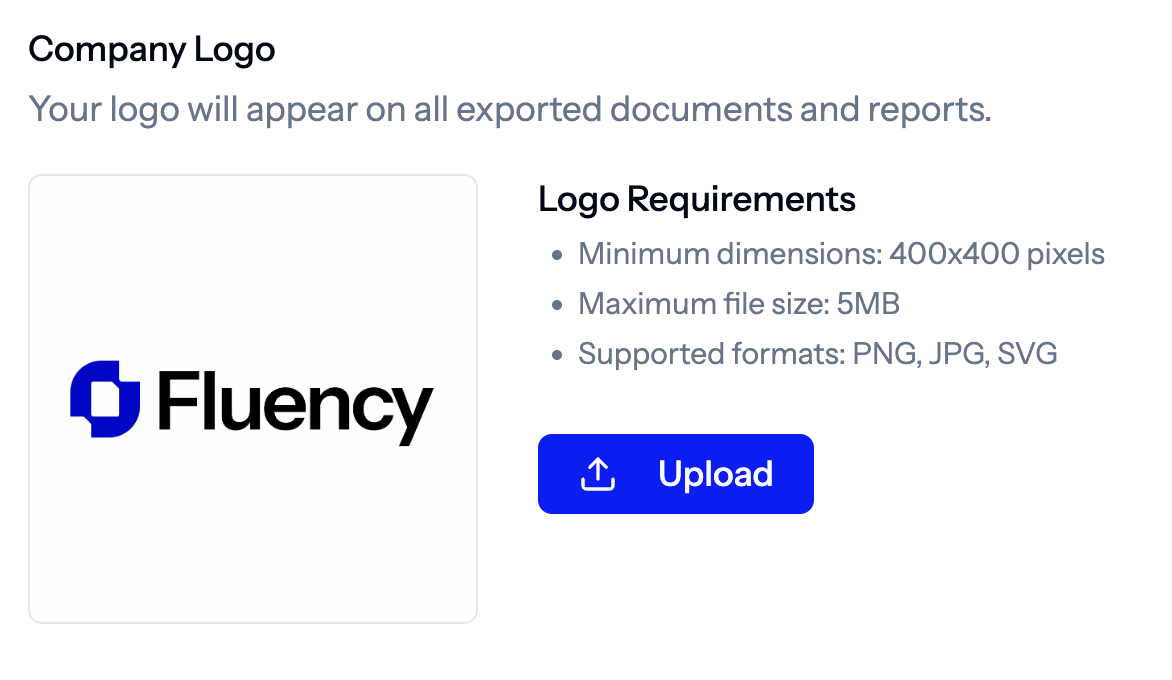
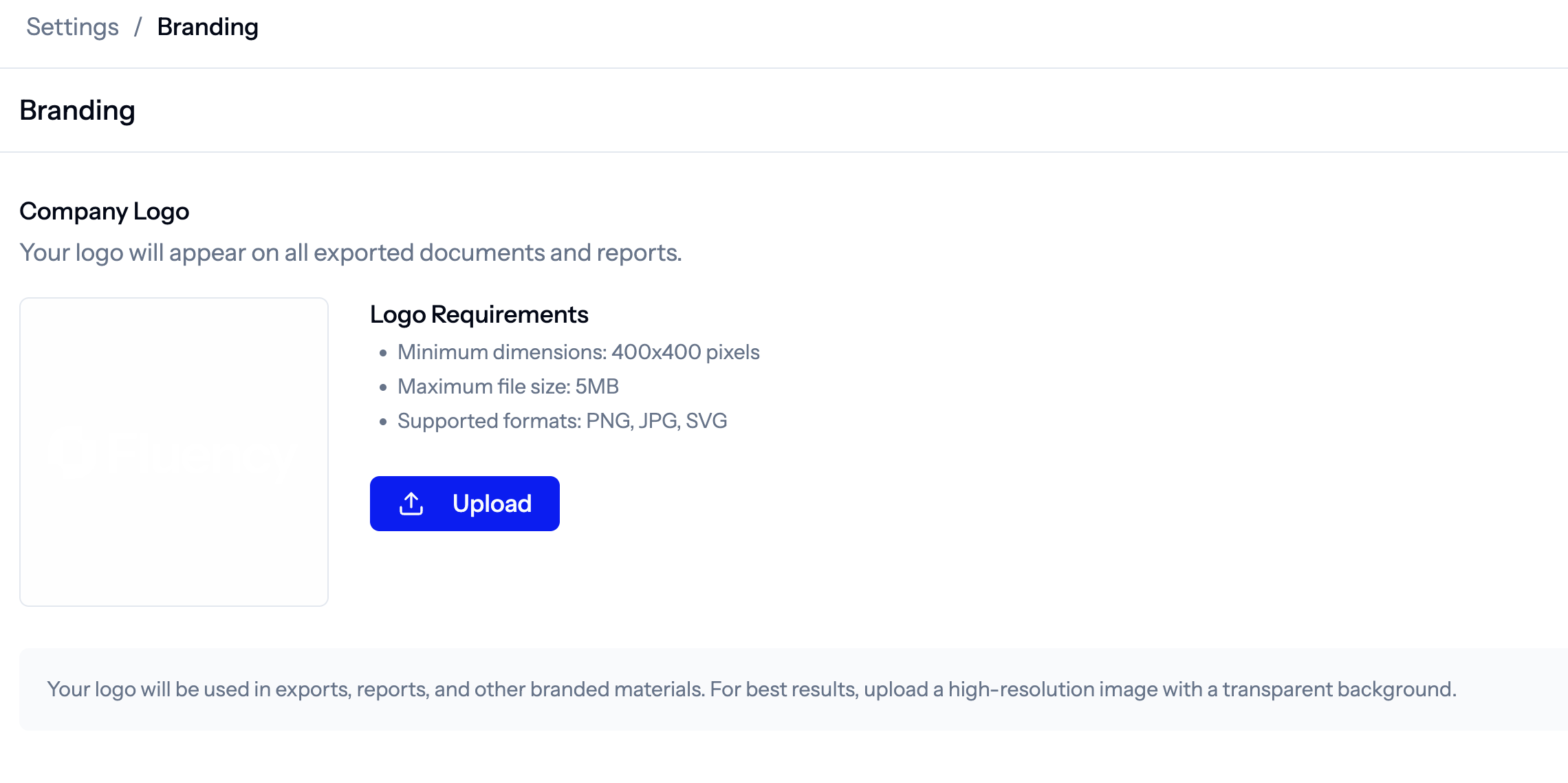
4. Upload your Company's Branding
Click upload and select the relevant logo or asset from your files.
5. You Will Now Have the Relevant Asset Associated